Features
Block Websites
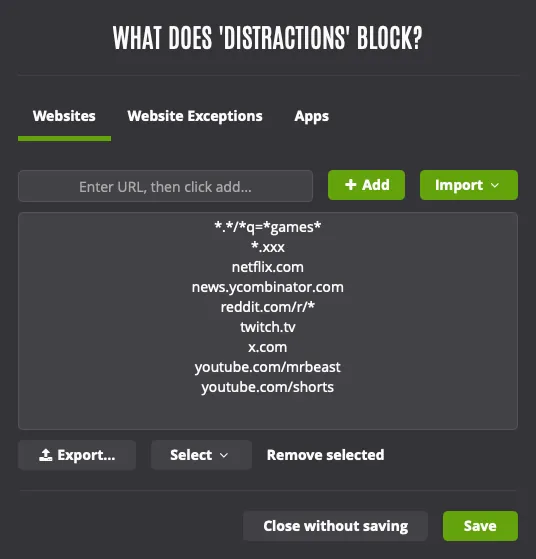
Use the default distraction list, import pre-made categories, or create your own custom block lists.
-
Block domains
- Add reddit.com to the block list to block all Reddit pages and subdomains.
-
Block specific URLs
- Add reddit.com/r/funny to block all pages from that subreddit.
-
Block YouTube channels
- Block YouTube channels (or only allow certain ones) by adding the channel URL.
-
Block URLs with wildcards
- The * character is a wildcard and can be used to block URLs matching a pattern.
-
Block searches
- Searches containing certain keywords can be blocked using wildcards.
-
Block all adult websites
- Add *.xxx to block all self-declared adult websites.
-
Block the entire internet
- Add *.* to your block list to block all websites. Just make sure to add the sites you need under the website exceptions tab.
Goodbye X. Hello hobbies!
When a website is blocked, you'll see a motivational message reminding you that you should be doing something else.
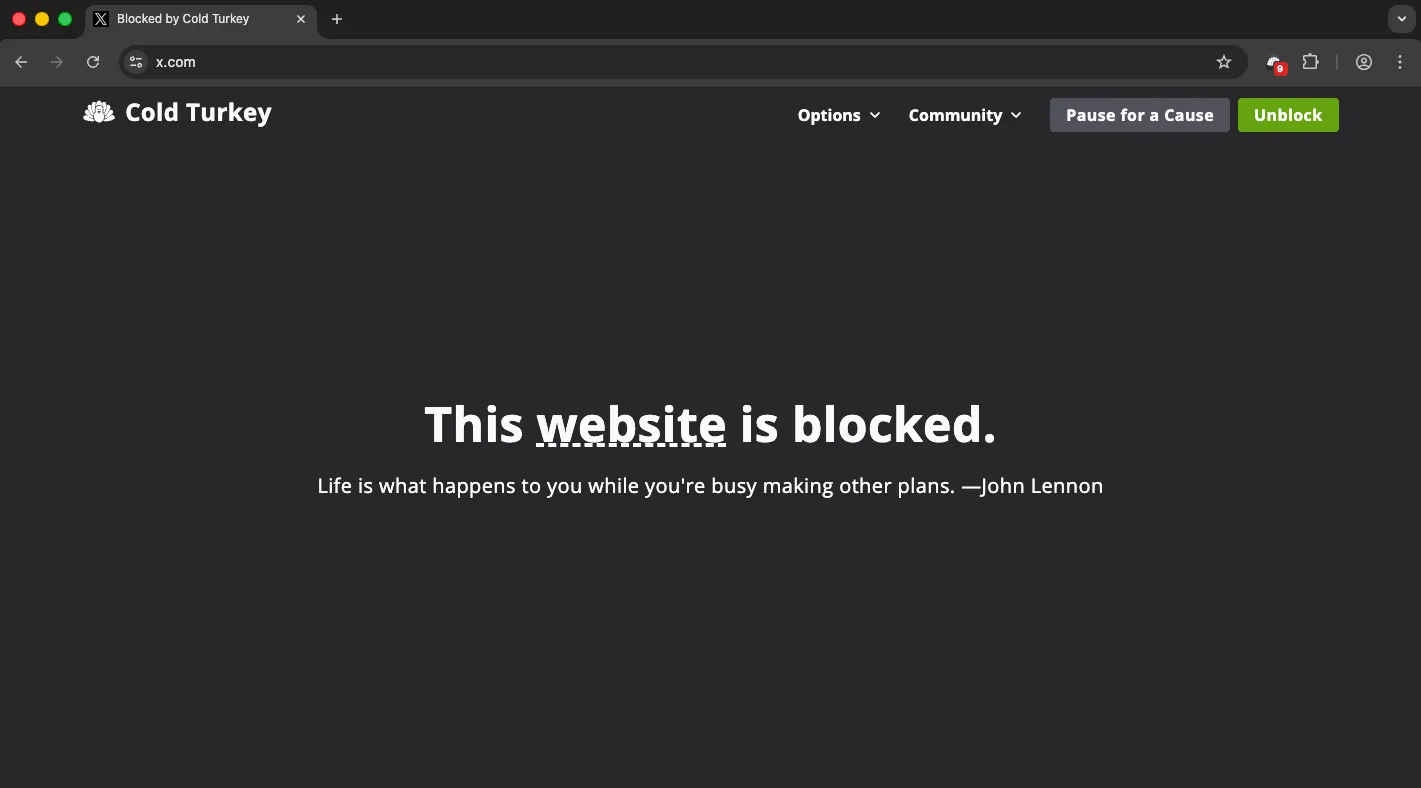
Pause for a Cause
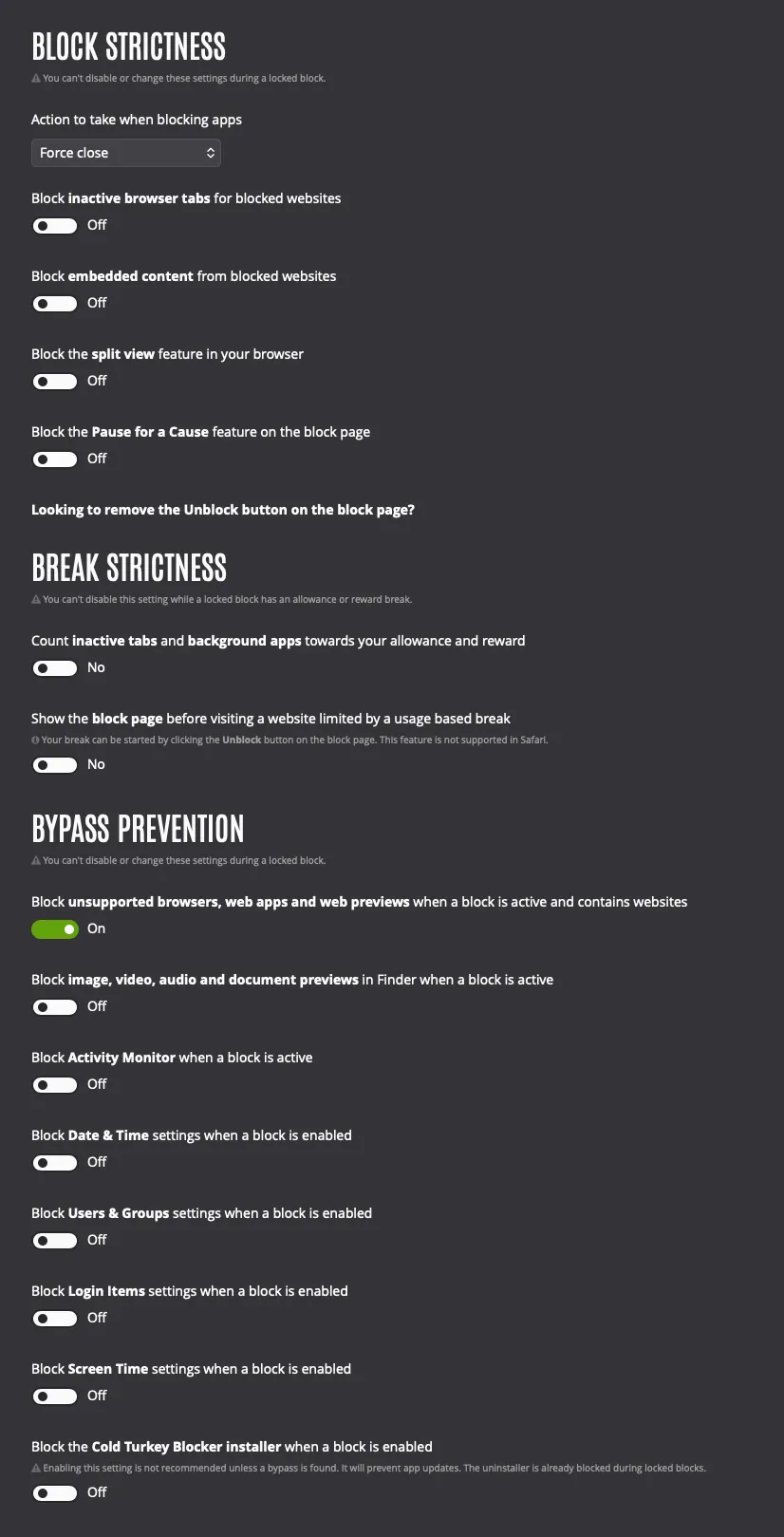
This feature is accessible from the block page and allows you to donate to the World Wildlife Fund for a 10 minute break. If you want, you can also disable this under Settings > Block Strictness.
Past donations are posted regularly for transparency.
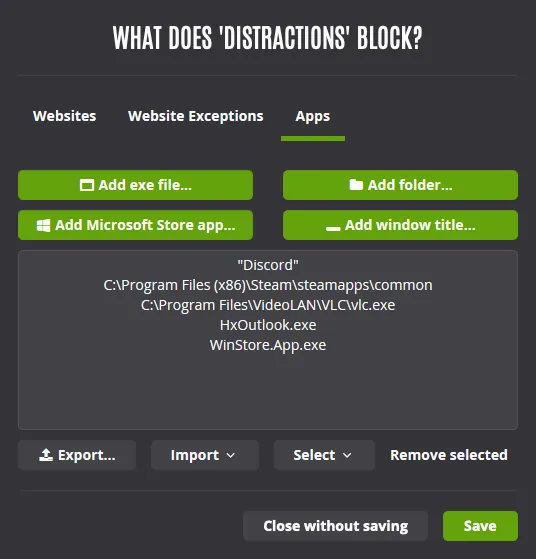
Block Applications
Games and other distracting applications can be blocked alongside websites.
-
Add exe files/applications
- This is usually the best way to block apps. Click here to browse for the exe file (or app on macOS) that you want to block.
-
Add folders
- Selecting a folder to block will block all exe files (or apps on macOS) located in that folder. On Windows, it'll also block you from browsing the folder.
-
Add Microsoft Store apps
- On Windows, apps from the Microsoft Store can be blocked by selecting it in the list that appears when you click here.
-
Add window titles
- On Windows, you can block apps by their window title. This can be useful for apps that change locations, or to block specific windows in an application.
Device Blocks
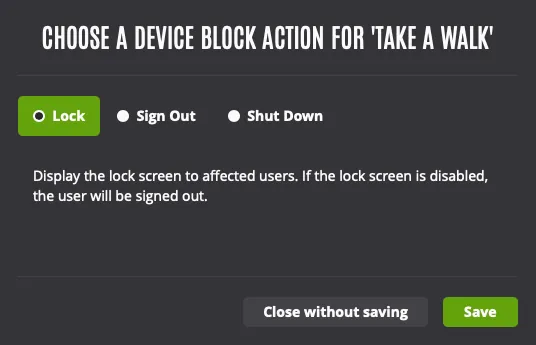
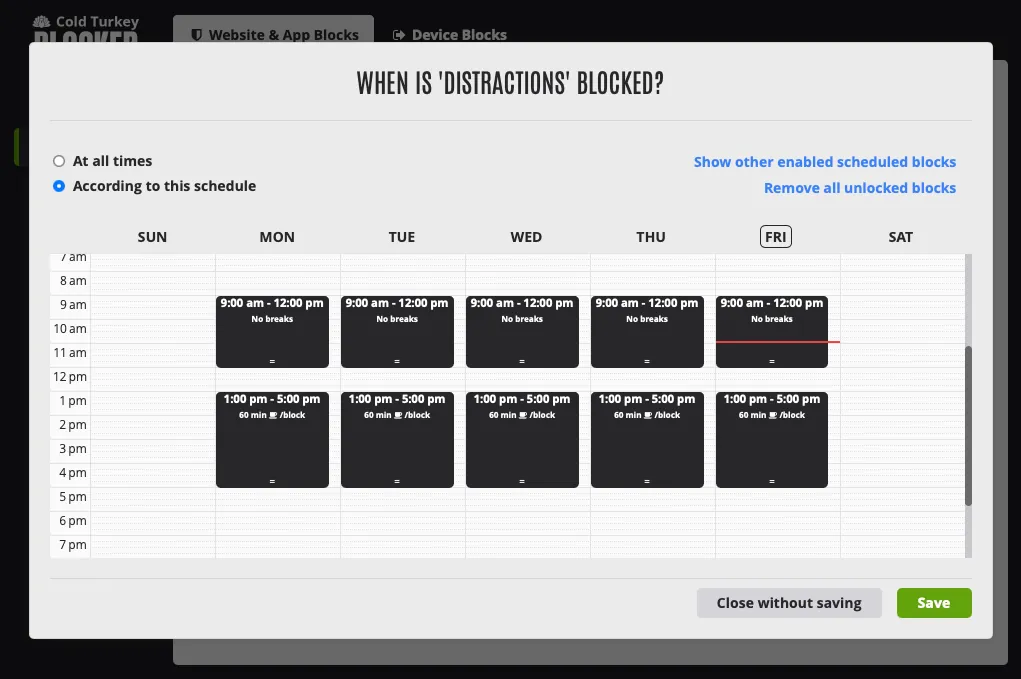
Lock, log off or shutdown your computer using a device block. This feature makes it easy to schedule time away from your device and can be found under Blocks > Device Blocks.